AI for Inventors · October 5, 2026
What to Send When a Company Says "Send Me More"
By Suzi Murphy, InventMentors
Last week, I wrote about what GlassBuild America taught me about networking and referrals.
This week is about what comes next.
After a good conversation, whether it’s at a trade show, on a call, or in a LinkedIn message, the next thing you’ll often hear is some version of this:
“Send me more information.”
It sounds like the easy part. It isn’t.
What you send next can move the conversation forward or quietly end it. And most inventors get it wrong in the same way.
First, Figure Out What They Actually Asked For
“Send me more information” can mean very different things.
A product manager may want to know if consumers will care. An engineer may want to know how it works. A licensing director may want to know what’s protected.
Before you send anything, go back to the conversation.
What did they ask about? What did they lean in on? What did they question?
This is where the Buyer Signal Filter helps again. The specific questions someone asks tell you what they need to see next.
Someone who asked about cost needs something different from someone who asked about installation.
If you’re not sure what they want, ask. “Happy to send something over. Would a quick video or a one-page overview be more helpful?”
That one question shows respect for their time and makes sure your materials actually get opened.
The Four Materials Every Inventor Should Have Ready
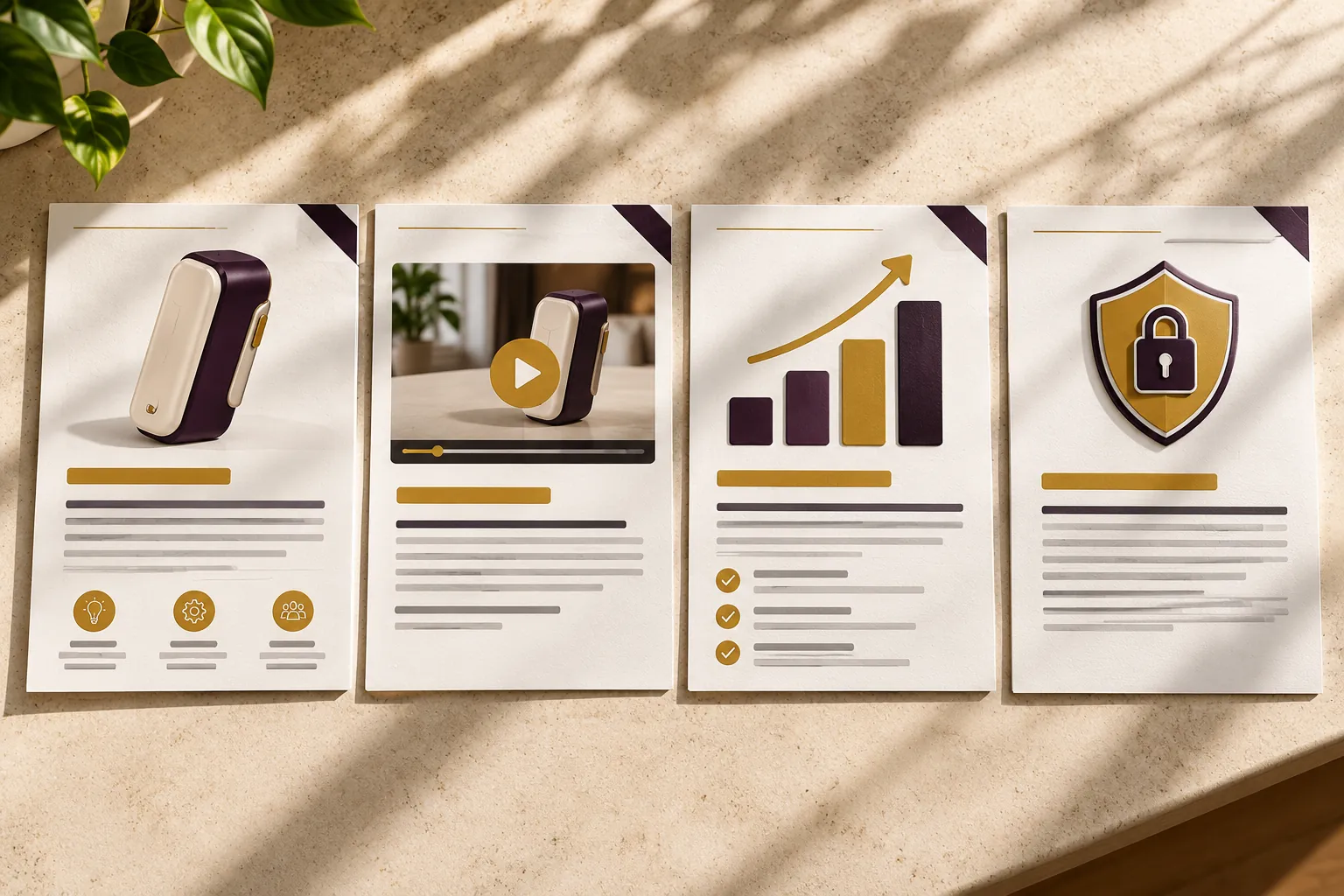
You don’t need a thick binder. You need four things, ready before anyone asks.
1. A sell sheet.
One page. The problem, your solution, the key benefits, and an image. This is the most common first request, and it should be readable in under a minute.
2. A 60 second video.
Show the product working. Not a pitch, not a lecture. If someone can see it solve the problem in 60 seconds, you’ve done more than a page of text ever could.
3. A one-page executive summary.
The business case. Who the customer is, what market it serves, where it fits in a company’s line, and what you’re looking for. This is for decision-makers who think in opportunities, not features.
4. A patent overview.
A plain-language summary of what’s protected and the status of your IP. This matters most to licensing and business development teams.
Each one has a job. None of them should try to do the job of all four.
Match the Material to the Person
The right material depends on who’s asking.
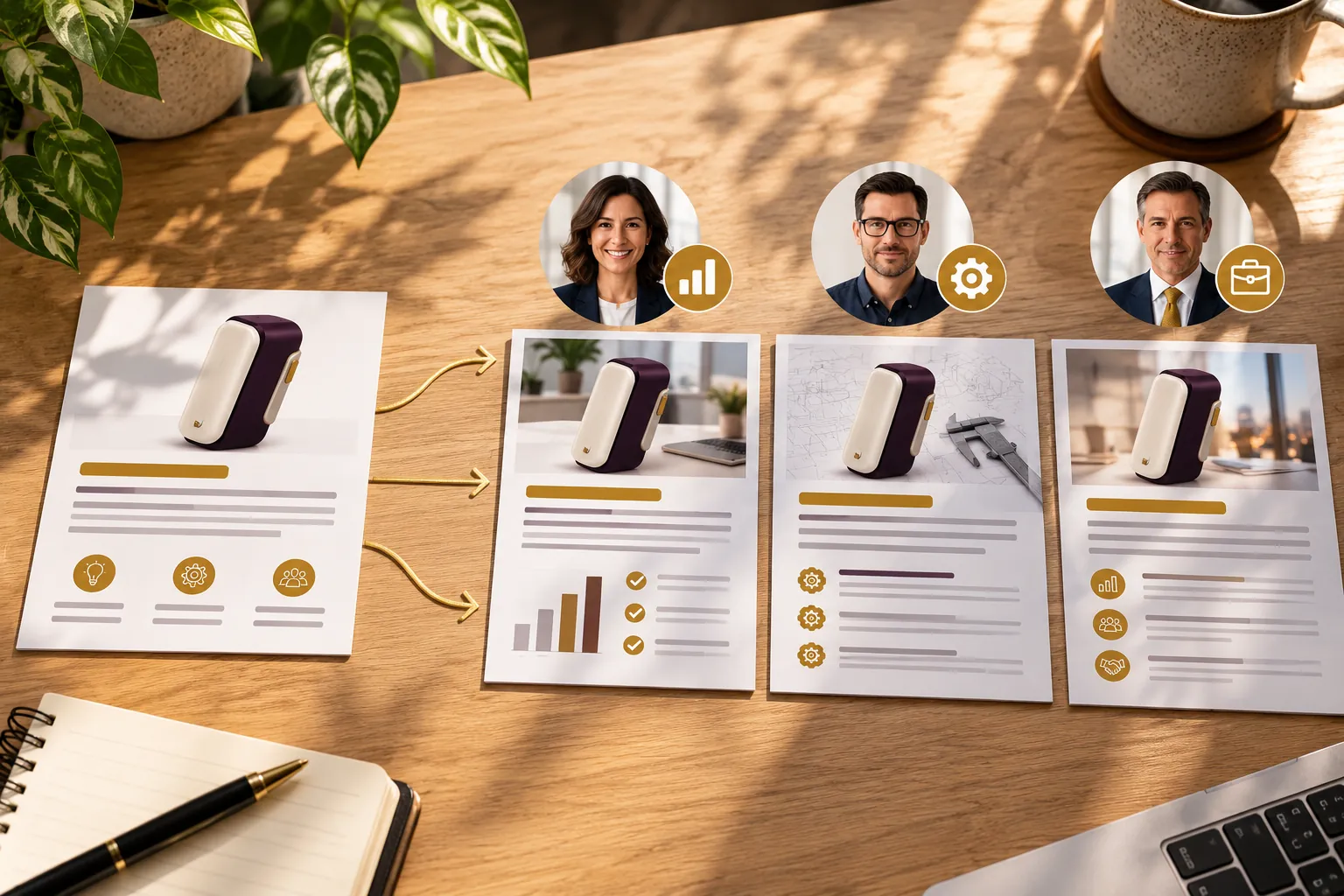
Product managers usually want the sell sheet and the video. They’re thinking about consumers, the category, and whether it fits their line.
Engineers and R&D teams want to know how it works. The video helps, and they may later want technical details.
Licensing and business development want the executive summary and the patent overview. They’re thinking about risk, value, and fit with their portfolio.
Executives want the executive summary. Short, clear, and focused on the opportunity.
Sending an engineer a marketing sell sheet, or a licensing director a product demo with no business case, makes your innovation harder to understand than it needs to be.
How to Use AI to Tailor Your Licensing Materials
This is where AI saves hours.
You don’t need a different set of materials for every company. You need one strong set, adjusted for each person.
Start with your core materials. Write your sell sheet and summary once, built around your Customer Pain Statement. If the problem isn’t clear in the first sentence, nothing else matters.
Give AI the context. Share your sell sheet, the company, the person’s role, and what they asked about in your conversation.
Ask it to adjust the emphasis. Something like: “This person is a product manager at a window manufacturer who asked about installation. Rewrite the opening of this sell sheet to lead with ease of installation, without changing any facts.”
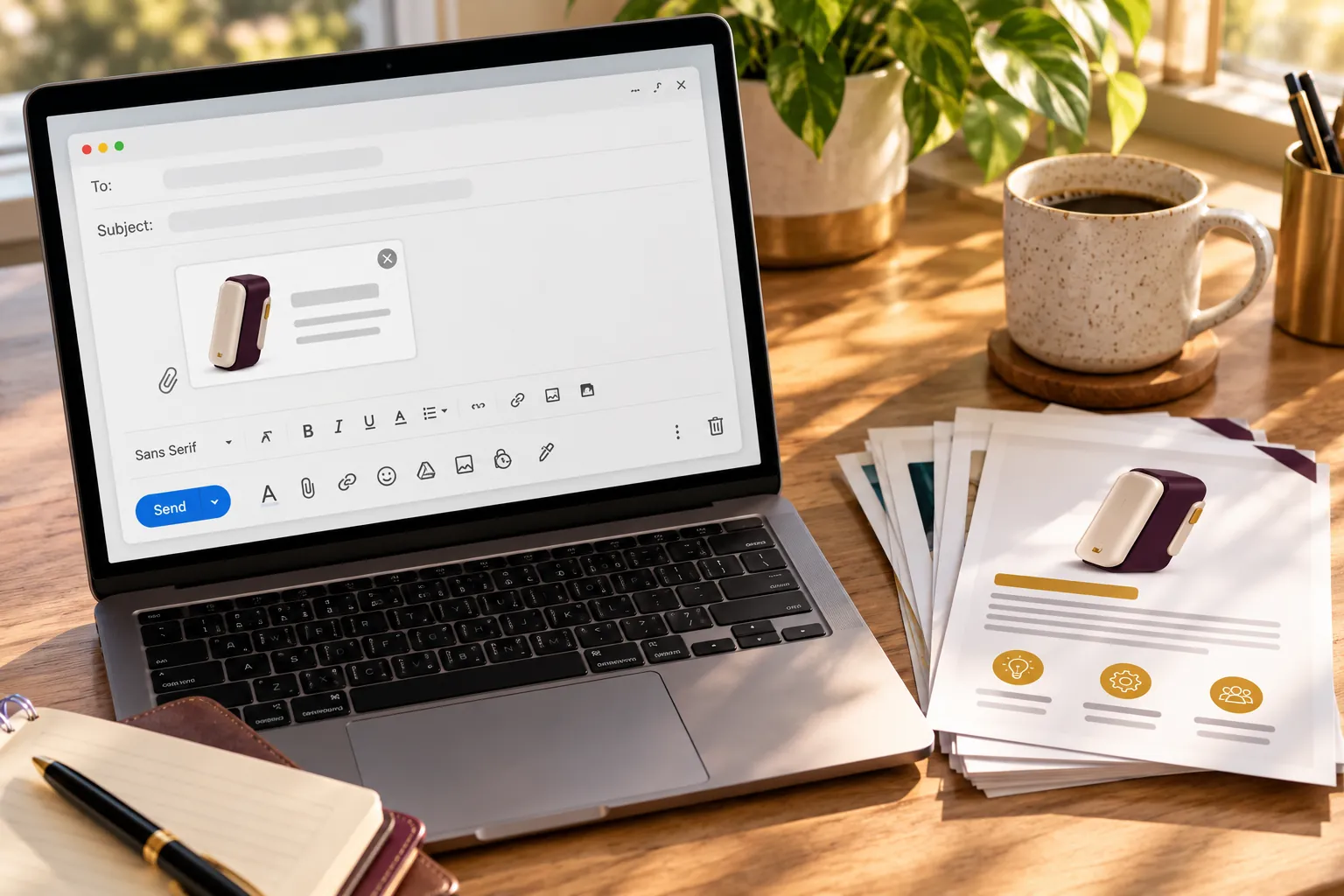
Write the cover email. Ask AI to draft a short email that references your conversation and explains why you’re sending what you’re sending.
Then edit it yourself. AI can shift the emphasis. Only you can make sure every claim is accurate and every word sounds like you.
The facts stay the same. The order and emphasis change for the person reading it.
The Mistake: Sending Everything at Once
Here’s the most common mistake I see.
Someone asks for more information, and the inventor sends everything. The sell sheet, the video, the patent, the prototype photos, the test results, and a long email explaining all of it.
It feels thorough. It reads as overwhelming.
A busy professional opens that email, sees six attachments, and puts it aside for later. Later often never comes.
Send what they asked for. Then let them ask for the next thing.
Every request they make is another signal that the conversation is moving forward.
What to Write in the Email
Keep the email as short as the materials.
Something like this:
Hi [Name],
Thanks again for the conversation at [event or call]. You mentioned [specific thing they asked about], so I’ve attached a one-page overview that covers that.
If it would be helpful, I also have a 60 second video showing it in action. Happy to send it along.
[Your name]
That’s it. It’s personal, it’s specific, and it opens the door to the next step without pushing.
What Not to Send
Be careful with anything confidential.
Unpublished technical details, manufacturing specifics, or anything not yet protected should stay with you until the right agreements are in place.
Talk to your patent attorney about what’s safe to share and whether an NDA makes sense before you go deeper.
Your first materials should create interest, not give away everything.
Your Next Step
If someone asked you for more information today, would you be ready?
Pick one of the four materials you don’t have yet and start it this week. Most inventors start with the sell sheet.
Then use AI to create one version tailored to a specific person you want to reach.
The goal isn’t to send more. It’s to send the right thing.
This is Week 11 of 12 in the AI for Inventors series. Next week is the finale, where we bring everything back to one question: do you know your market before you invest?
Related reading
Ready for a structured score?
Take the free Validation Assessment. 15 questions, 5 minutes, instant clarity.
Get Your Validation Assessment (Free)